Frequently Asked QuestionsAI Video Translator Frequently Asked Questions.
Clear, direct answers about our AI video translator free preview, supported formats, voice cloning, background music retention, subscription credits, and subtitle exports.
Is there an AI video translator free to use without signing up?
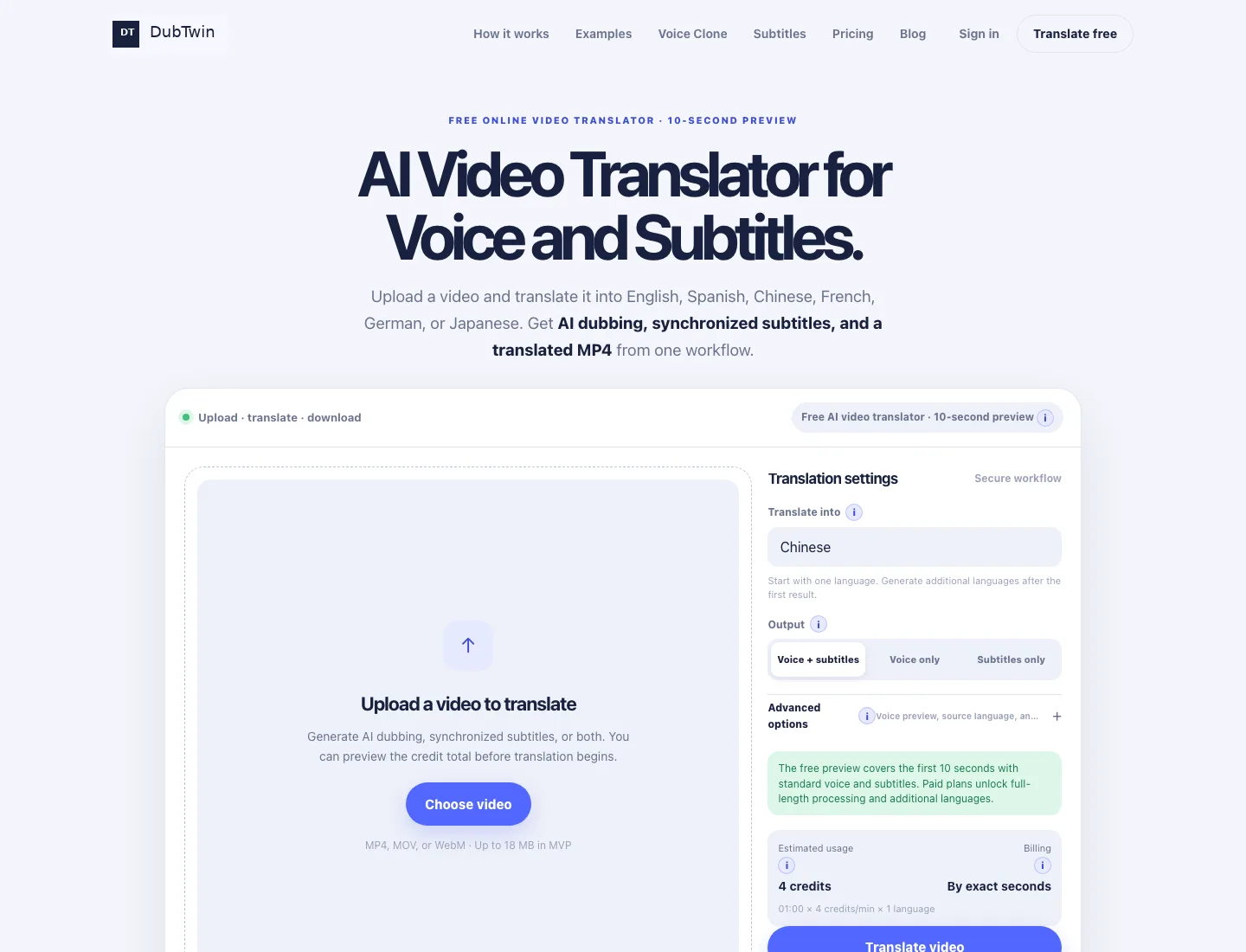
Yes. DubTwin offers an AI video translator free online that allows any creator, educator, or business to test a 10-second preview immediately with zero friction. You do not need to enter a credit card, and you can test the video translator no sign up required. The free preview provides natural AI dubbing with synchronized bilingual subtitles so you can evaluate speech cadence, voice tone, and timestamp accuracy before deciding on paid processing.
How does an AI video translator work compared to standard subtitles?
A traditional subtitle tool only overlays text on top of foreign speech, leaving viewers to read while watching. An AI video translator (also known as an AI-powered video translator or video audio translator) performs a complete multi-stage pipeline: it transcribes the original spoken dialogue, translates ordered phrases with contextual awareness, generates realistic target-language speech, and aligns the new audio and captions to the original video timeline. DubTwin also intelligently preserves background music and ambient sounds so the final video sounds authentic and professional.
Can I translate Spanish to English audio with this AI video translator and keep original timing?
Yes. One of our most popular translation pathways is translate Spanish to English audio. When you translate videos from Spanish to English, our AI video translator measures dialogue pauses, sentence duration, and speech velocity to ensure the translated English voice fits naturally into the original video scene without overlapping or awkward silence. You can also export editable SRT and WebVTT subtitle files alongside the dubbed MP4.
How to translate video to English subtitles free and export SRT files?
To translate video to English subtitles free, drop your MP4, MOV, or WebM video into our AI video translator, select English as your target language, and choose the Subtitles output mode. The AI video translator automatically transcribes and translates the dialogue into accurate English captions. Once processed, you can download standardized .SRT and .VTT files ready to upload directly to YouTube, TikTok, Vimeo, or import into Adobe Premiere and Final Cut Pro.
How to translate a video with an AI video translator in 3 simple steps?
Translating a video with our AI video translator takes less than two minutes: 1) Upload your source video file (MP4, MOV, or WebM up to 2 GB with secure chunked transfer) into the AI video translator workspace; 2) Select your target language from 32 international languages and choose whether you want full AI dubbing, subtitles only, or both; 3) Preview the first 10 seconds for free, check dialogue timing, and download the finished MP4, SRT, or VTT files.
Can this AI video translator clone the original speaker’s voice?
Yes. DubTwin includes an optional presenter Voice Clone feature in the AI video translator. When enabled, our system extracts a clean voice profile from the source video and applies that vocal signature to the target-language spoken track. This keeps the speaker recognizable across languages, which is essential for keynote presentations, founder-led tutorials, product demonstrations, and influencer content.
Does the translated MP4 video preserve original background music and audio?
Yes. Our AI video translator features intelligent background audio separation. When you keep background audio enabled, the AI video translator separates the original speech track from background music, sound effects, and ambient noise. After generating the translated voice, it mixes the new dialogue seamlessly with the source music, producing a balanced, broadcast-ready MP4 video.
How does DubTwin compare to Canva AI video translator or traditional dubbing agencies?
Traditional dubbing studios charge $50 to $120 per minute and take 3 to 7 days for turnaround. Generic design platforms like Canva AI video translator focus primarily on basic captions and graphic templates rather than deep vocal dubbing and voice cloning. DubTwin is a dedicated AI video translator built specifically for multi-market video publishing, offering flexible creator subscription tiers, source background audio preservation, voice cloning, and dual subtitle exports (SRT/VTT) in minutes.
What video formats and file sizes does this AI video translator support?
DubTwin functions as a high-capacity AI video translator, MP4 translator, WebM translator, and QuickTime/MOV translator. Thanks to chunked multipart upload technology, you can upload source video files up to 2 GB directly from your browser without needing to compress or downscale the video beforehand. You can also extract and translate audio tracks for podcast and interview workflows.
How do subscriptions and credits work in this AI video translator?
DubTwin is an AI video translator offering flexible monthly and annual subscription plans (Creator, Pro, and Studio) designed for solo creators, e-commerce brands, and agency teams. Each subscription comes with a generous credit allowance for voice dubbing, synchronized subtitles, and neural voice cloning. Unlike tools that aggressively round up partial minutes, this AI video translator deducts credits based on your video's exact measured duration (4 credits per minute for full translation). Annual subscribers save 33% with the full 12 months of credits unlocked upfront. You can also top up with one-time credit packs anytime or cancel your subscription whenever you wish with zero hidden fees.